



Introduction
Launcher iOS 16 is an Android launcher that enables you to customize your device’s appearance to resemble iOS 13. The app not only enhances the interface’s aesthetic appeal but also provides additional features to make your Android device operate similarly to an iPhone. Upon installation, the first step is to select your preferred wallpaper from the pre-installed iOS options. Once selected, you’ll notice that the taskbar emerges from the screen’s bottom, and the icons have rounded edges, mimicking iPhone features. Launcher iOS 16 offers a wide range of options in its setup settings. You can customize the icon size to accommodate more or fewer rows and columns and set gesture shortcuts or select the blur effect that appears when accessing your app drawer. In essence, Launcher iOS 16 is a versatile Android launcher that transforms your Android device into an elegant iPhone with a plethora of attractive wallpapers and exciting features.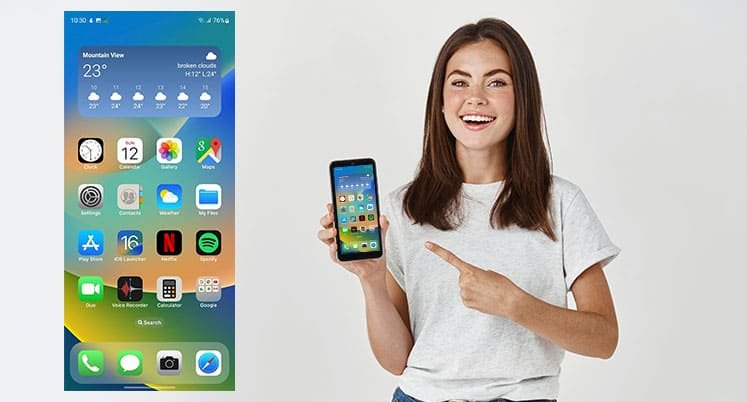
Features of Launcher iOS 16
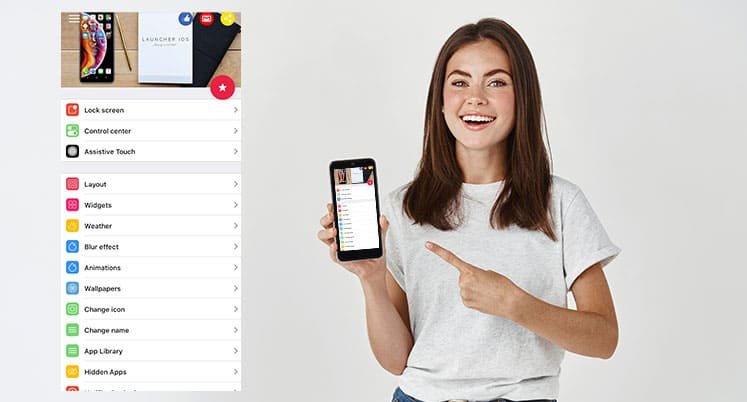
Launcher iOS 16 boasts an impressive set of features that not only elevate the aesthetic appeal of your Android device but also enhance its functionality, providing a seamless blend of iOS-inspired design and practical utilities.- Apps Library with 3D Touch:
- Enjoy efficient organization of your applications with the Apps Library feature.
- Utilize 3D Touch capabilities for quick and convenient shortcuts.
- Long press for 1 second to open a shortcut, and 2 seconds for rearranging or uninstalling apps, mirroring the iOS 16 experience.
- Icon Customization:
- Transform the look and feel of your device by changing icons directly from your gallery or selecting from an Icon Pack.
- Navigate to App settings > Change icon > Choose an icon from Gallery or Icon Pack, providing a diverse range of visual options.
- Auto Rearrange Apps:
- Streamline your home screen with the Auto Rearrange Apps feature, accessible through app settings under Utilities.
- Enable automatic rearrangement for a dynamic and organized layout tailored to your preferences.
- Application Customization:
- Personalize your device by changing the names of applications.
- Maintain privacy and declutter your home screen by hiding applications, achieved seamlessly through 3D Touch or app settings.
- Real-Time Weather Information:
- Stay informed with up-to-date weather details for your current location.
- Plan your day efficiently with hourly and daily forecasts, adding a practical touch to the launcher beyond its visual enhancements.
- Control Center and Assistive Touch:
- Access essential functions conveniently through the Control Center, enhancing the overall usability of your device.
- Enjoy the convenience of Assistive Touch, bringing ease of use reminiscent of iOS devices to your Android experience.
- Wallpaper Customization:
- Immerse yourself in the iOS aesthetic by changing your wallpaper to mirror real iOS devices.
- Complete the visual transformation, creating a cohesive and elegant look for your Android device.
How to Install Launcher iOS 16 in Android
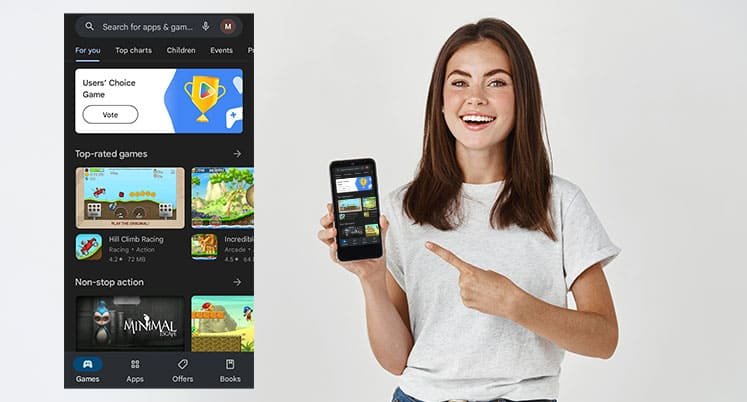
- Go to the Playstore.
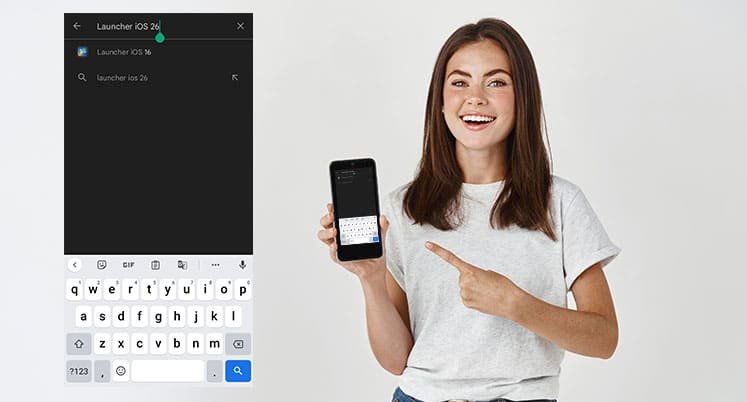
- Search Launcher iOS 16
- Tap on Install
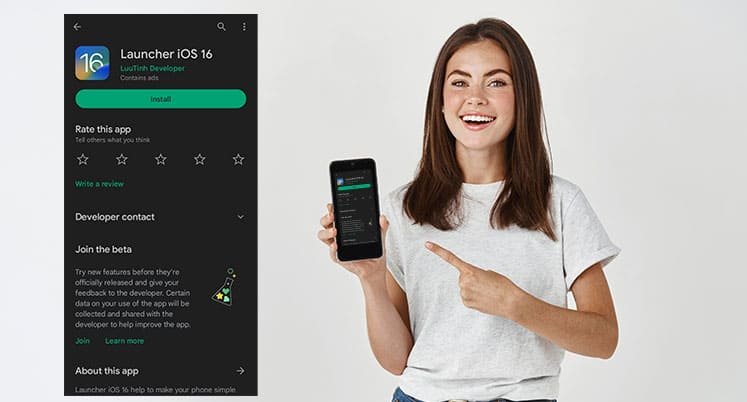
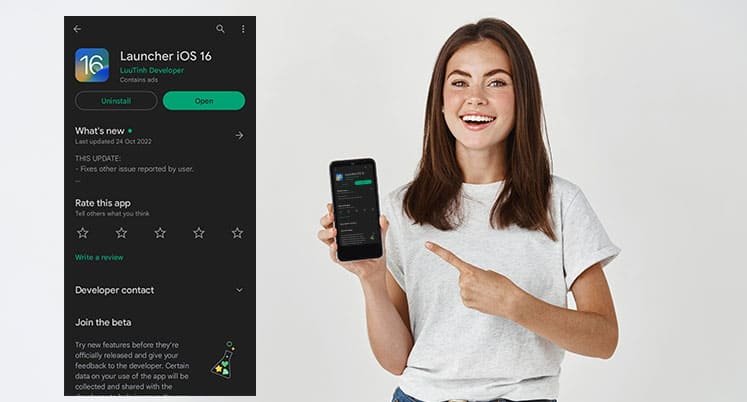
- After Downloading Click on Open
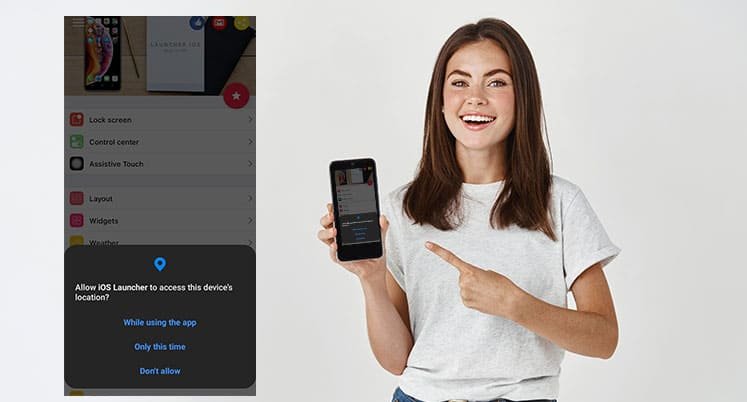
- Allow all Permissions
- Choose the Setting as per your preference you want
- Choose your default launcher as IOS Launcher
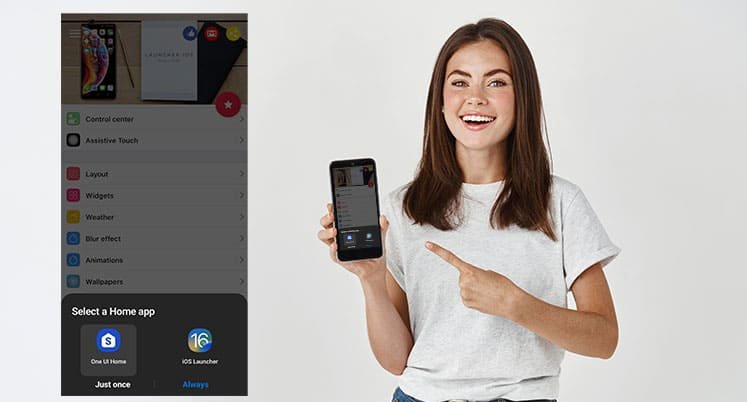
- Boom now you can use ios look in android