



Introduction
Hosting your website for free can be a cost-effective solution, especially for new projects or personal websites. InfinityFree offers a promising platform for free web hosting, providing essential features without the usual financial commitment. What exactly is InfinityFree? It’s a free web hosting service that allows users to host their websites without paying any fees. This article will guide you through the steps of setting up and managing your website using InfinityFree.Getting Started with InfinityFree
- Open browser and type infinityfree.com
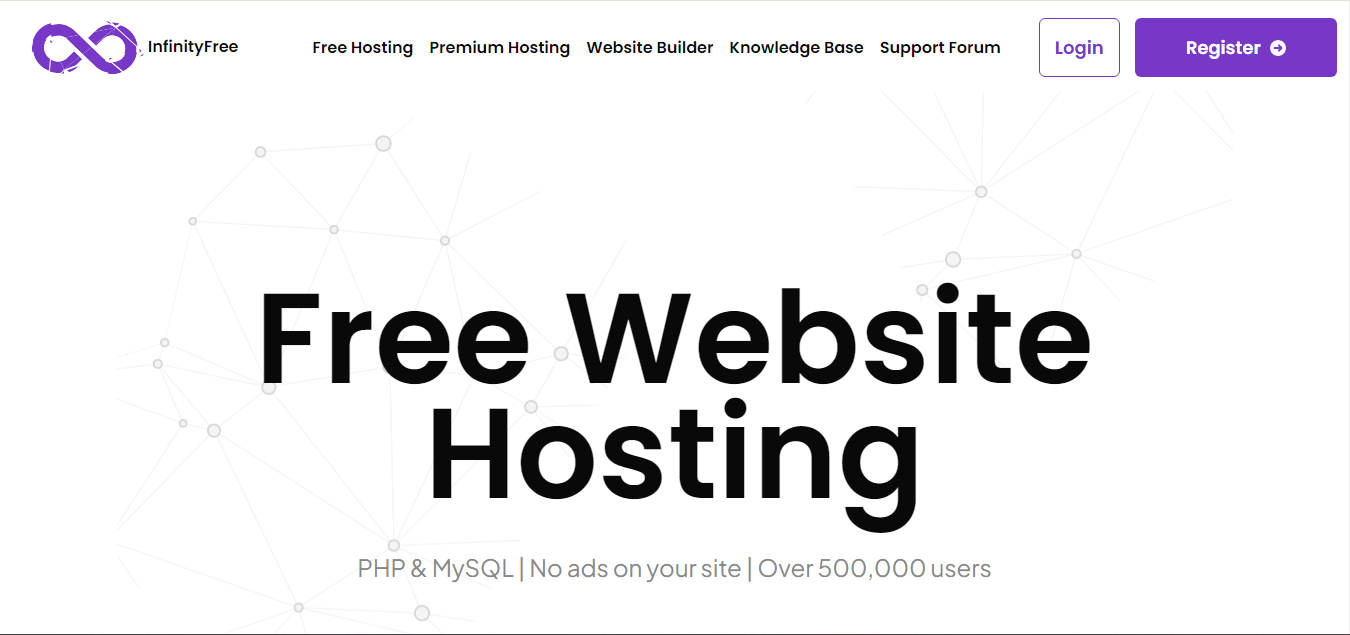
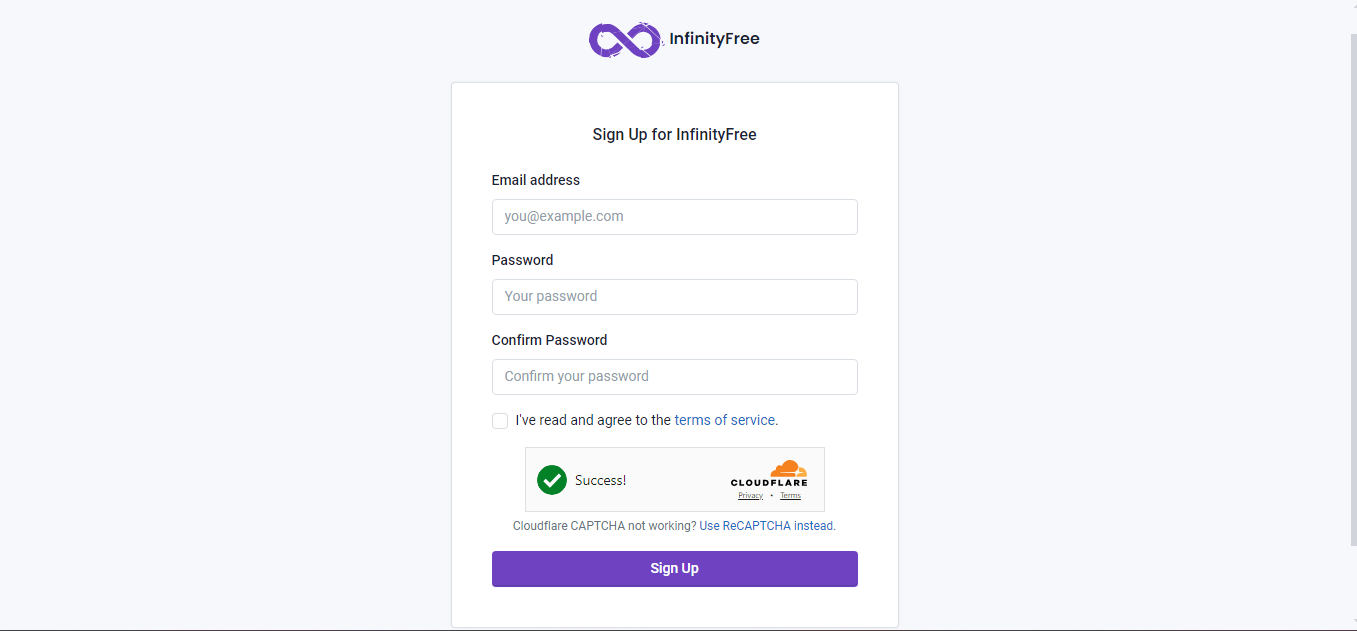
- Click On Sign In fill details and verify email address on gmail click on verify email address
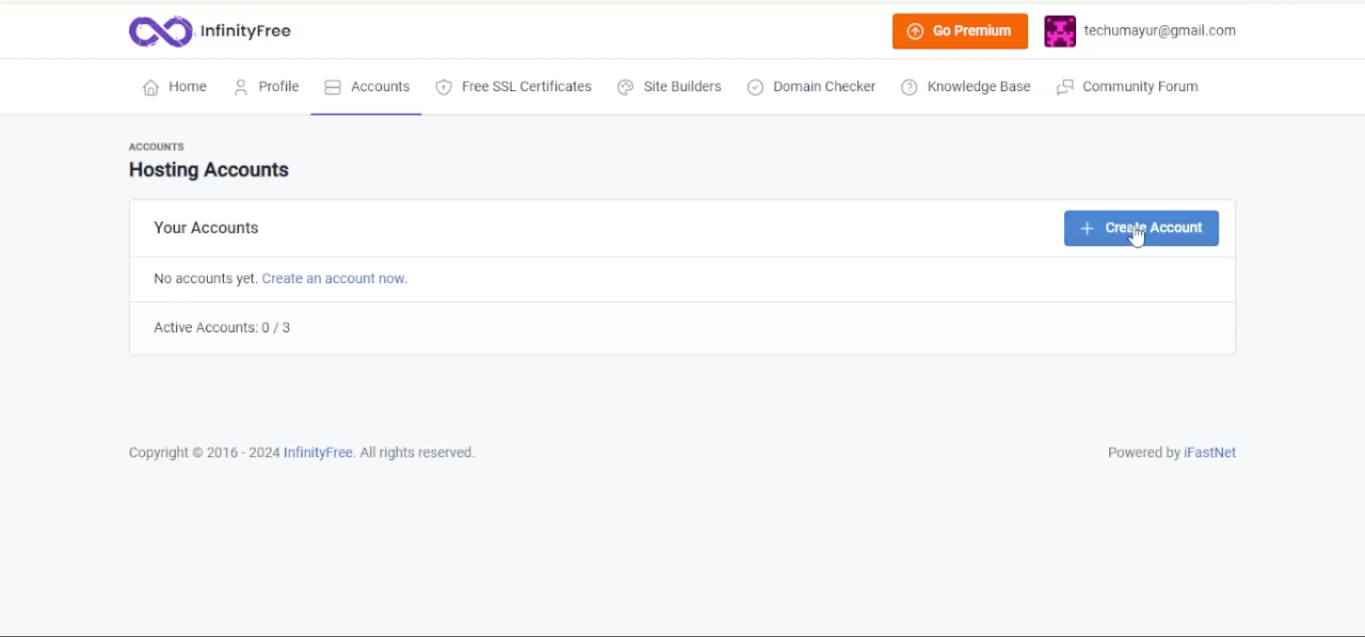
- Ater clicking verify redirect to account page click on create account
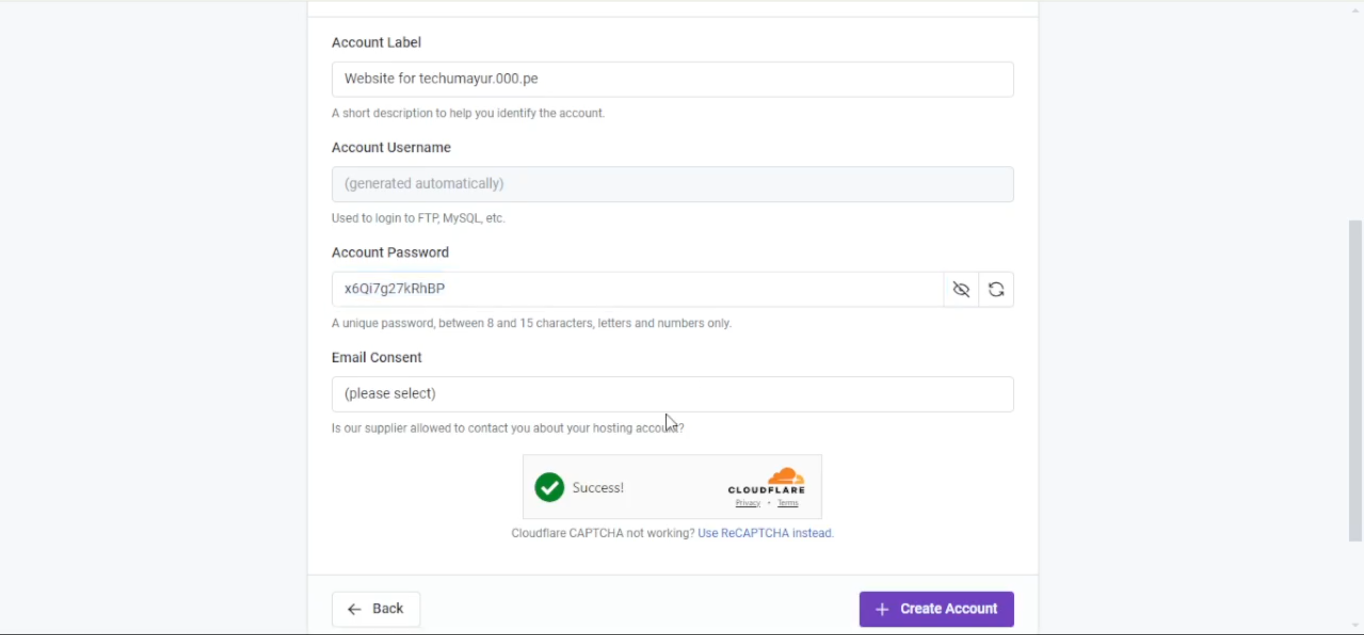
- Ater clicking create account choose free plan then click on create now and detail as per needs
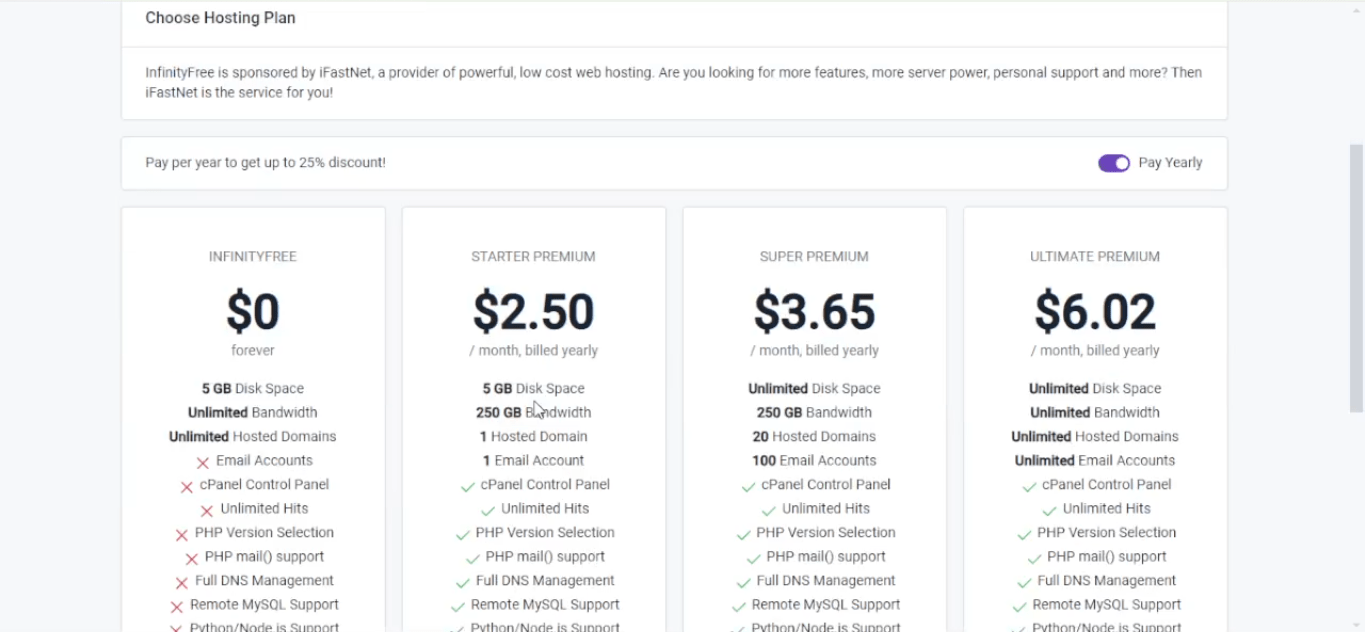
- Ater Filling all details click create account open control pannel then click on approve
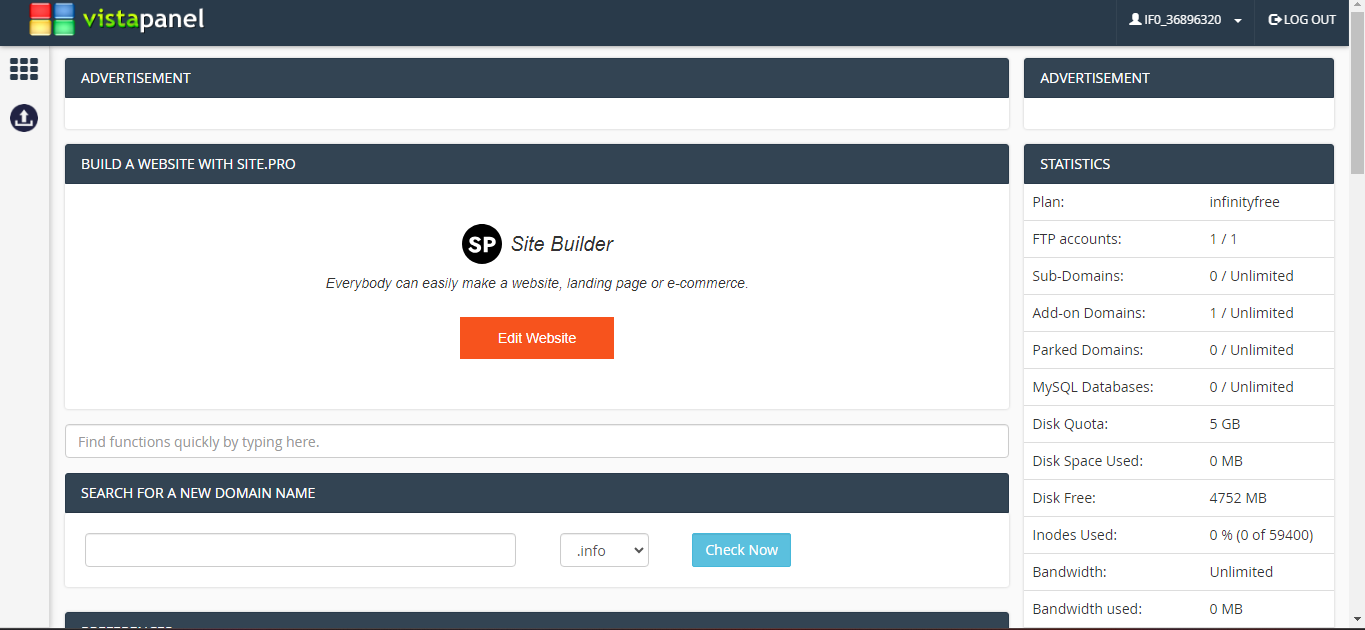
- Now cpanel will open then scroll down click on filemanger
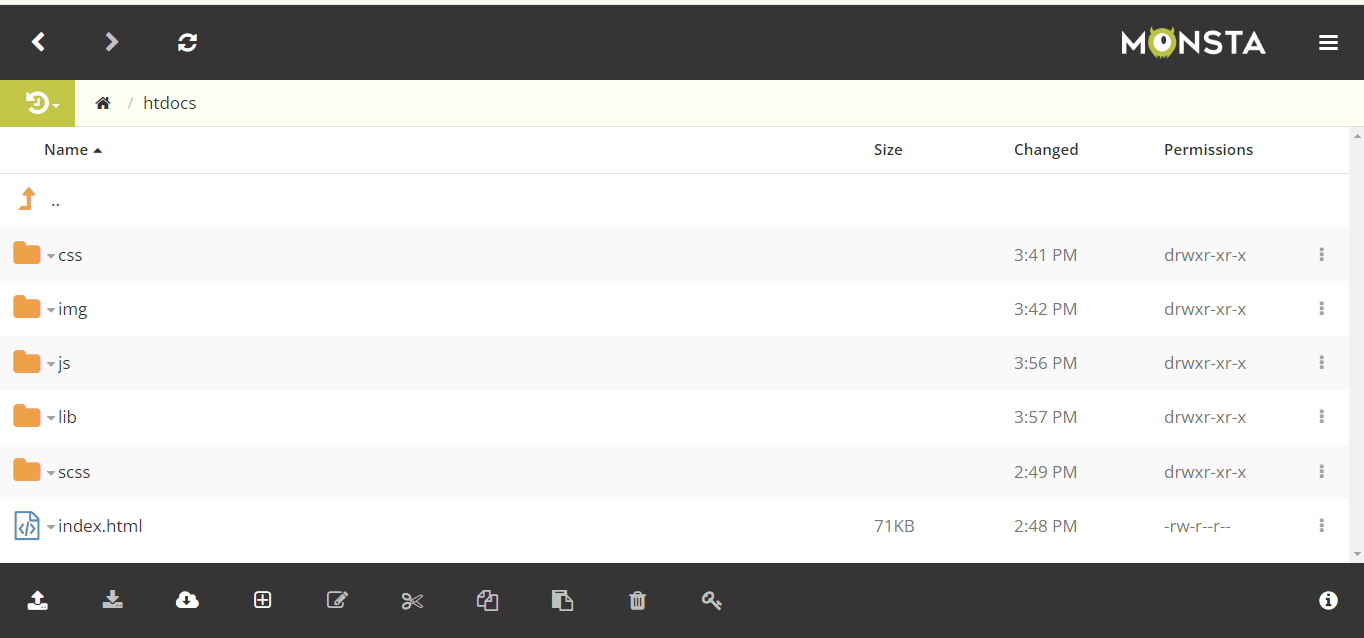
- Now click on htdocs then upload all files once upload your website is live
- Now hit url and check your website should visible if you cant see website wait for 72 hours or use vpn